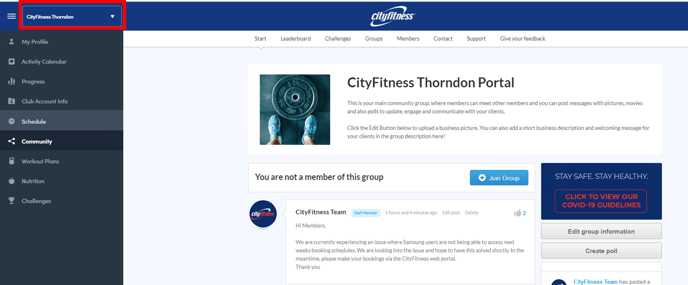
To book a session online navigate to CityFitness VirtuaGym.
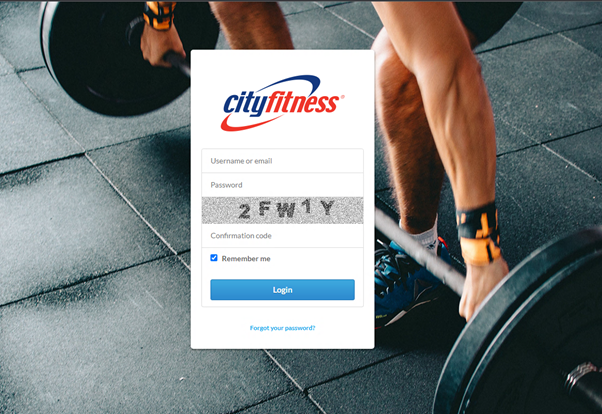
Log on using the same credentials used to log into the mobile app.
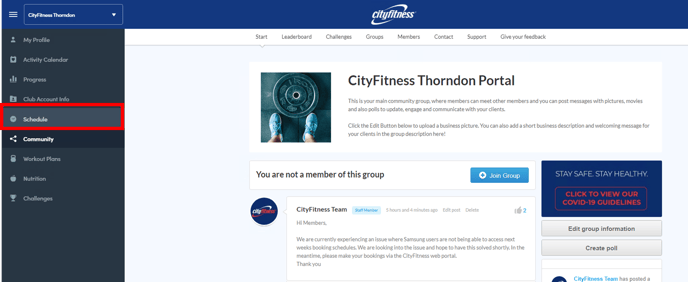
Select 'schedule' from the menu on the left hand side of the screen.
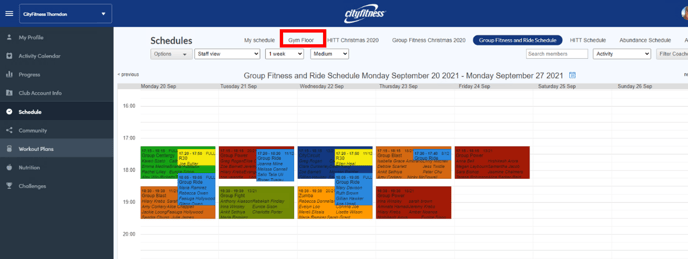
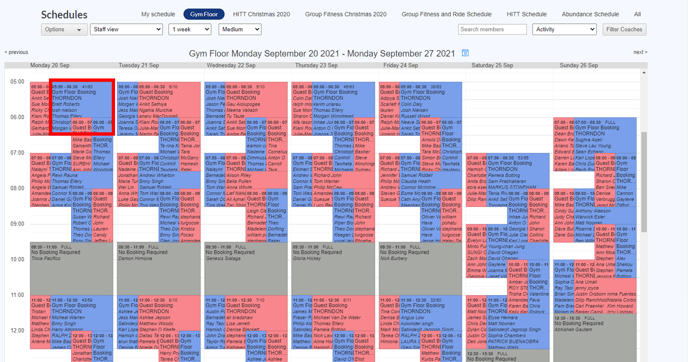
Select the schedule you wish to book for from the options at the top of the screen.
Click on the session you wish to book for.
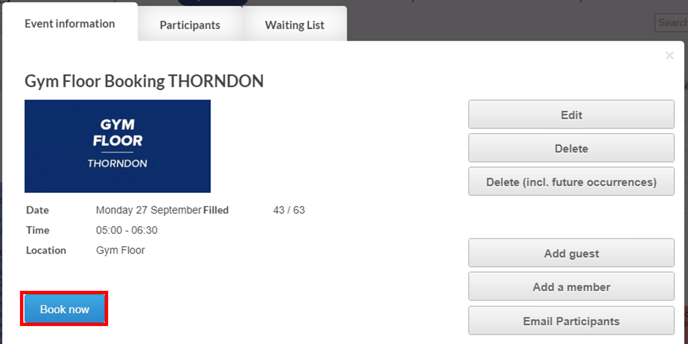
Click 'Book now' to join the session or class.
How do I change the location I am booking for?
To change the CityFitness club you are booking for select the desired club from the drop-down menu in the top left-hand corner.